Optical geometry
Teleprompter camera distance, font size, and line width guide
Visible teleprompter reading happens when the visual angle between your screen and the camera lens is too wide, or when lines are too long. Simple geometry fixes both before you record a single line.
Updated August 23, 2026
01
The optical geometry of eye contact
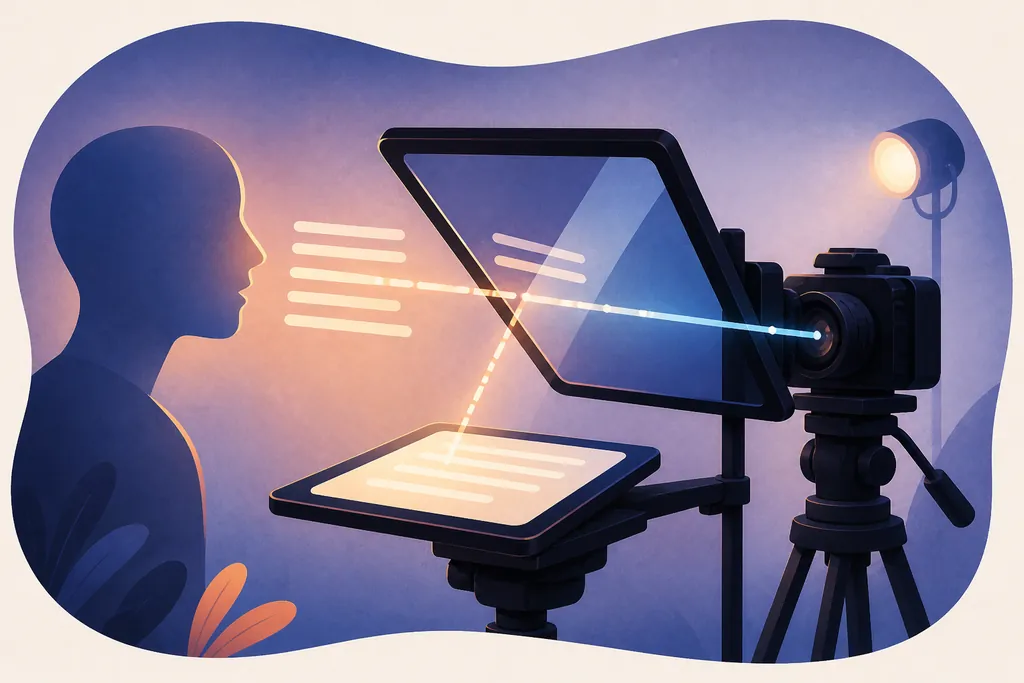
When looking directly into a camera lens, your line of sight forms a reference axis. If your teleprompter sits 4 inches below the lens at a distance of 2 feet (a typical laptop webcam distance), your visual angle is about 9.5 degrees. That downward gaze is noticeable to viewers.
Pushing the camera and screen back to 5 or 6 feet drops that visual angle to under 3.5 degrees, making eye gaze appear directly aligned with the lens even without expensive beam-splitter glass.
02
The font size distance rule
A reliable starting formula for teleprompter typography is:
Font Size in Pixels ≈ Distance in Feet × 12px (or Distance in Meters × 40px).
At 2 feet (desktop/webcam), 24px to 32px is crisp and legible. At 5 feet (stand mounted tablet), 60px to 72px allows effortless scanning without squinting or leaning forward.
- 1.5 to 2.5 feet (Webcam/Laptop): 24px - 36px font, 40% - 55% column width.
- 3.0 to 5.0 feet (Desktop / Desk Rig): 40px - 58px font, 50% - 65% column width.
- 6.0 to 10.0 feet (Studio Stand / Beam Splitter): 70px - 110px font, 65% - 80% column width.
03
Line width and horizontal tracking
Horizontal eye scanning ("tennis match eyes") occurs when a line contains more than 6 to 8 words across. Viewers quickly detect rapid side-to-side saccades.
Keep your text width narrow (between 30 and 45 characters per line). A narrow column allows your eyes to take in entire phrase clusters in single fixations without sweeping across the display.
04
Focus line placement
Always position the focus guide line in the upper third of the screen (between 25% and 35% from the top). This keeps the active line closest to the top of your monitor or webcam, minimizing the distance your gaze drifts downward.
05
The 5-second test video
Before filming your complete take, record 5 seconds reading the first two sentences. Play it back on full screen and watch exclusively for:
- Horizontal eye darting: if present, reduce Text Width slider by 10%.
- Squinting or head tilting: if present, increase Font Size by 4px.
- Downward gaze: if present, move the window higher or push the entire setup farther back.