Phones and tablets
Using a teleprompter on phones and tablets
A phone or tablet is often the most practical prompter you own: small enough to sit beside a lens and bright enough to read at arm's length. The same browser page works on iPhone, iPad, and Android with nothing to install.
Updated August 23, 2026
01
One browser page, no app required
Open the teleprompter in Safari on iPhone or iPad, or in Chrome on Android, and paste your script. Once the page has loaded, the scrolling itself does not depend on the network, so a weak connection mid-recording will not freeze your words.
Because nothing installs, the same script and settings move with you: rehearse on a laptop, then open the page on the phone that will sit beside the camera.
02
Choose orientation and go fullscreen
Portrait suits a phone mounted directly under or beside the lens, because the narrow column matches the shape of the screen. Landscape gives a tablet a wider, calmer column for a desk rig or a beam-splitter mount.
Hide the browser chrome once the script is ready. On iOS, adding the page to your Home Screen opens it without the address bar; on Android, the fullscreen control or an installed shortcut does the same job.
03
Prepare the device itself
Small devices interrupt recordings in ways laptops do not, so prepare them like camera gear.
- Silence notifications and calls before the take.
- Disable auto-lock so the screen cannot sleep mid-sentence.
- Connect power for anything longer than a few minutes.
- Turn the brightness up enough to read without leaning in.
04
Keep the device near the lens
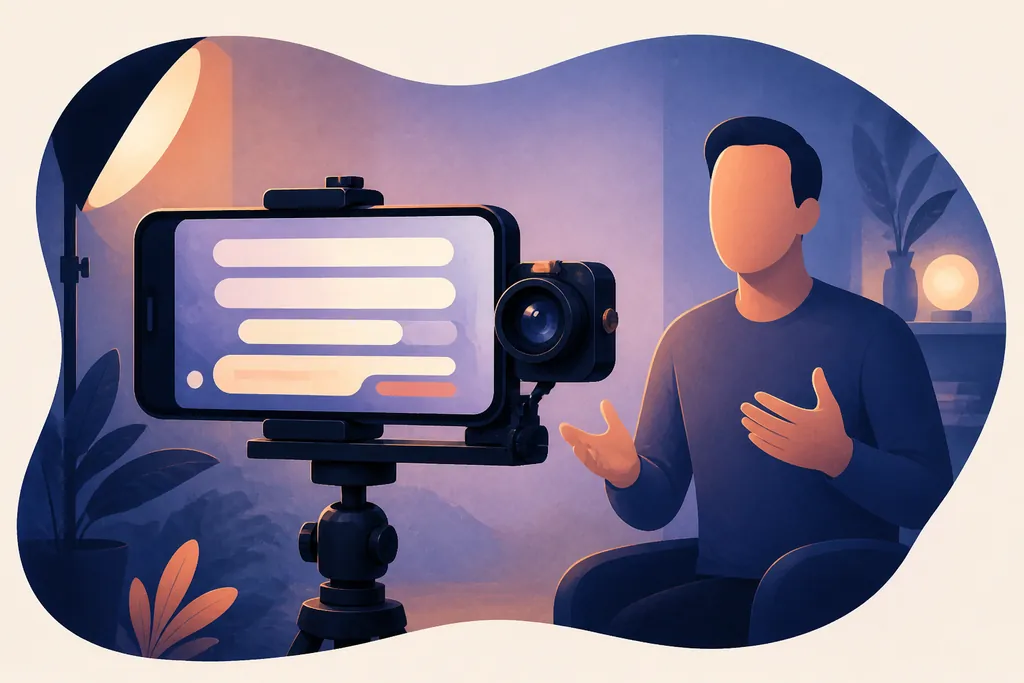
The small screen is the advantage: a phone can sit immediately below a camera lens where a laptop never fits. At arm's length, the downward glance nearly disappears for the viewer. If you mount the phone beside the lens instead, keep the column narrow so your eyes travel less than an inch from the camera.
A tablet works the same way one step farther back. Increase the font size rather than pulling the device closer than your focus distance.
05
Write for a small display
Small screens reward generous formatting. Keep sentences short, give every cue its own line, and use blank lines between ideas so a quick glance always finds the next thought. Rehearse once on the actual device, because a column width that felt right on a laptop often needs adjusting on a phone.